A deeply personal
AI assistant.
Zero BS.
Chat with it, email it, and let it build your website, all running on a server you control.
Built on top of NanoClaw by Denis Treskunov and AI. Read more →
Chat with it, email it, and let it build your website, all running on a server you control.
Built on top of NanoClaw by Denis Treskunov and AI. Read more →
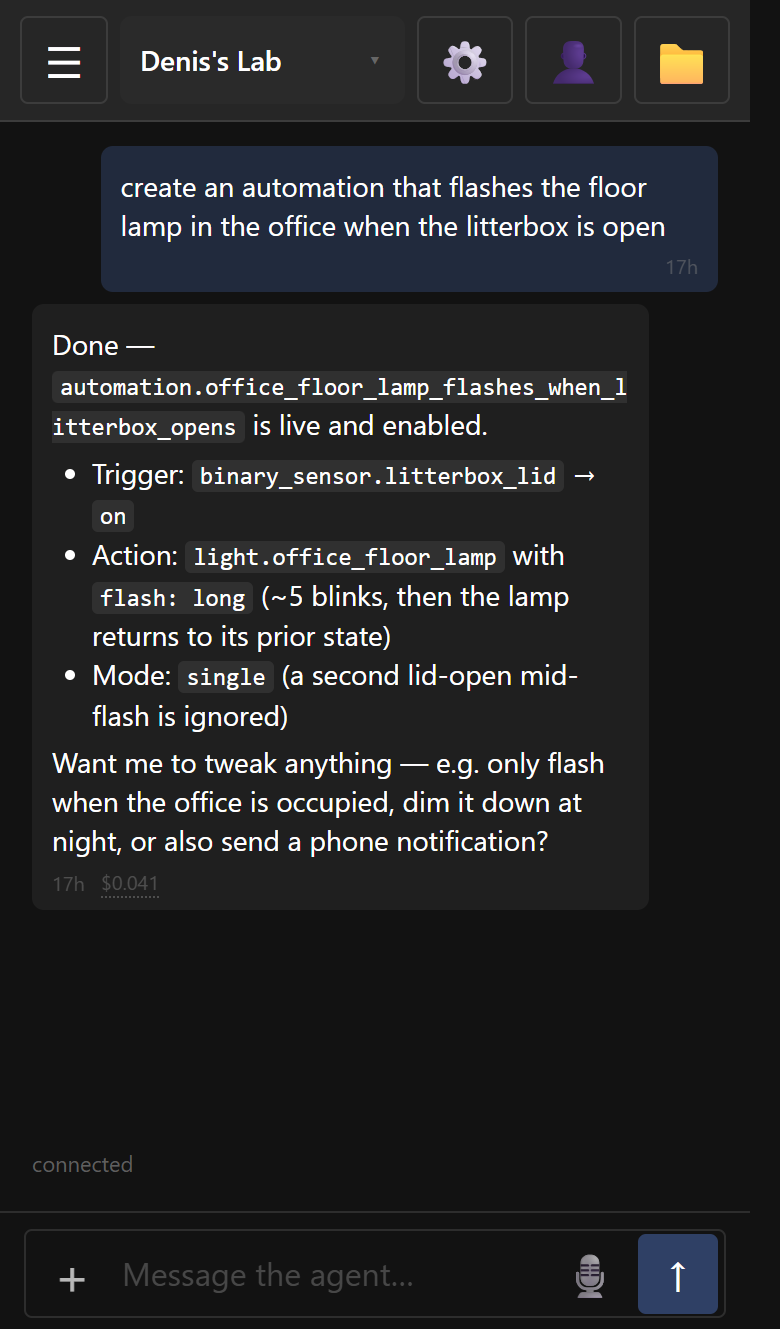
Chat with your assistant, reach it however you like, and keep your files and notes right where you can see them.
Open it in your browser or add it to your home screen — it works just like any other app, on your phone, laptop, or tablet, and your conversations follow you between them.
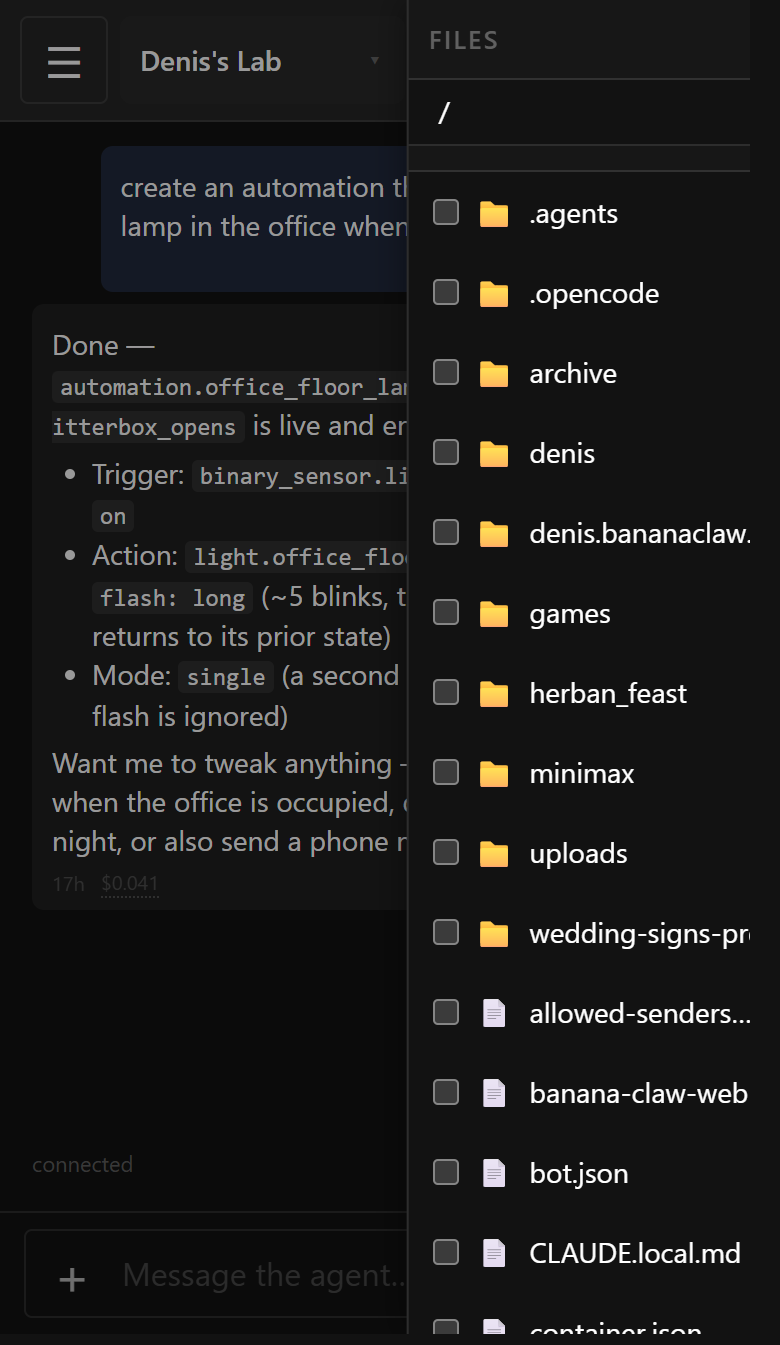
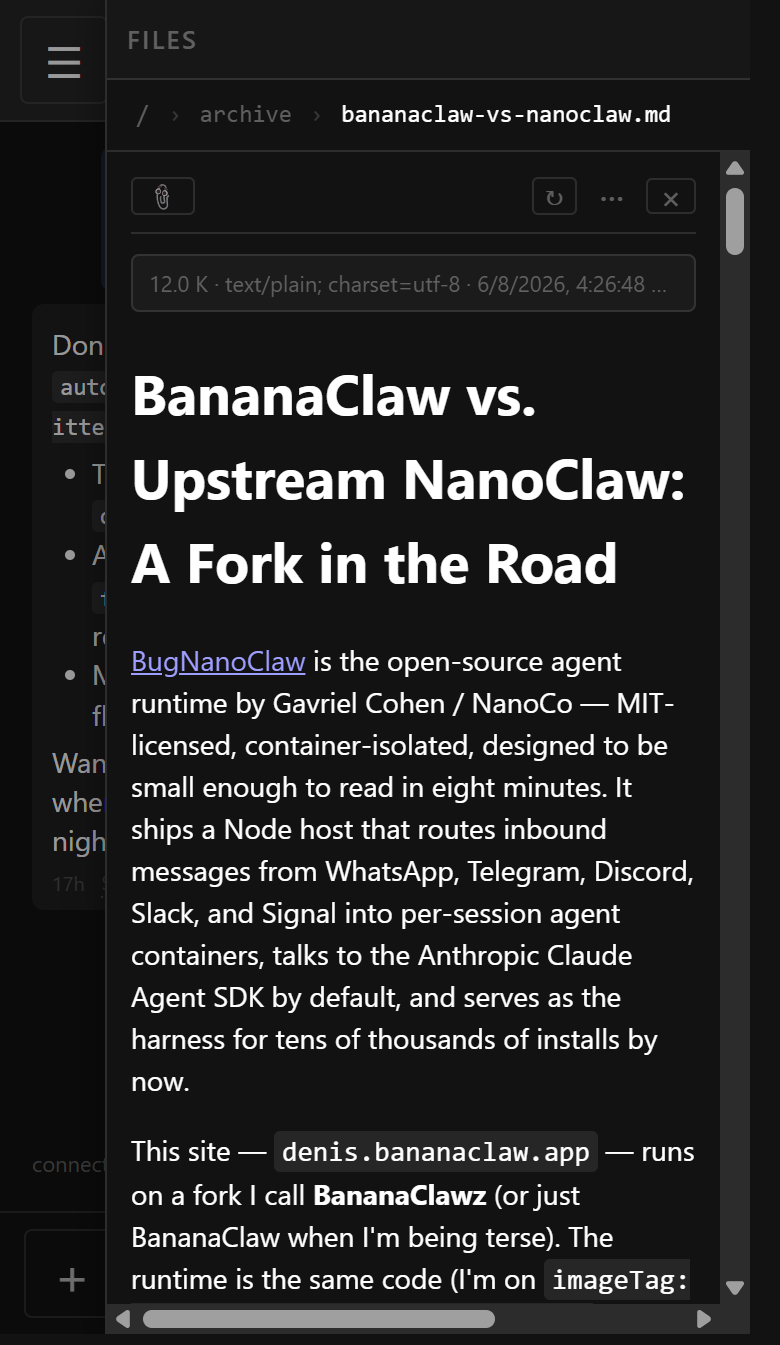
Your assistant keeps a folder of its own — notes it takes, documents you share, things it makes for you. Browse it any time: open a file to read it, upload your own, or send one straight into the chat.
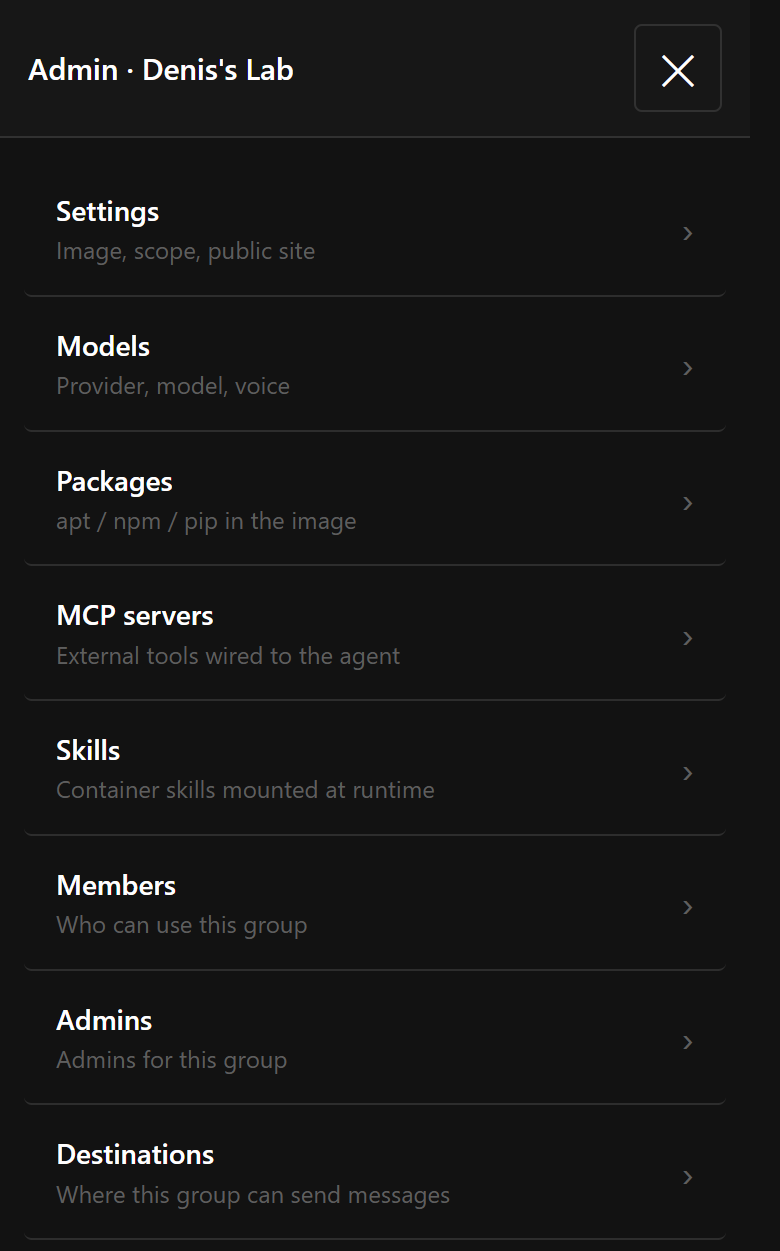
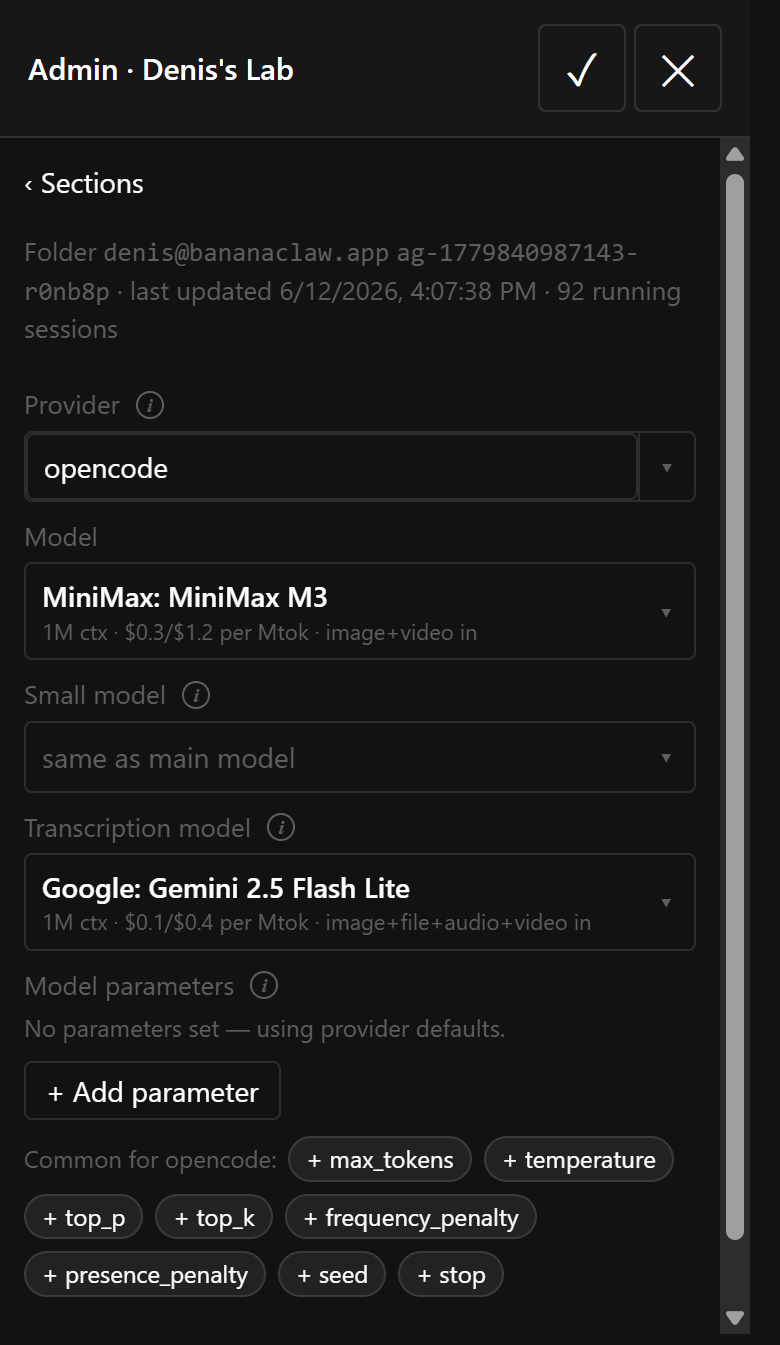
Everything is tunable from your browser — pick the model that powers it, add new abilities, and choose who's allowed in.
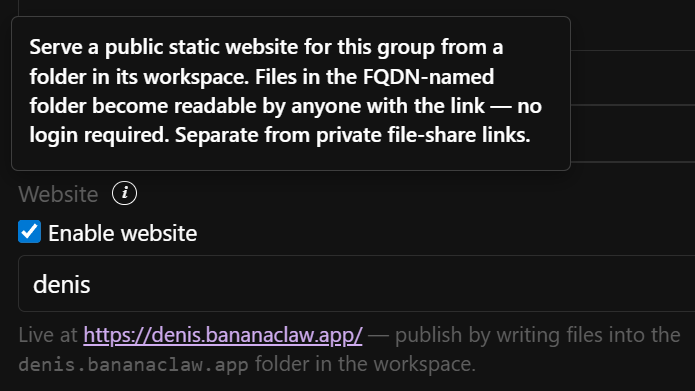
Ask your assistant to build you a website and it goes live instantly at a subdomain you choose — no deploy step, no separate hosting. Just write files into a folder and they're published.
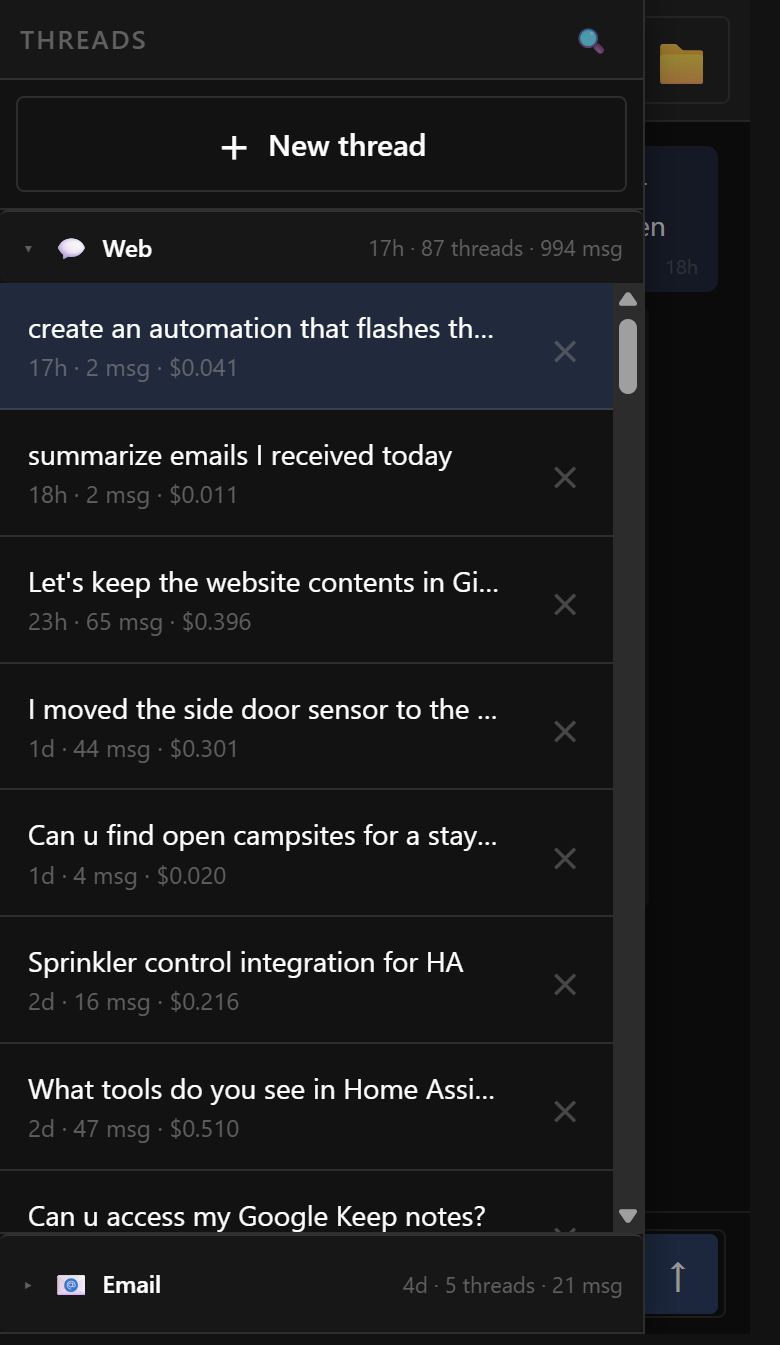
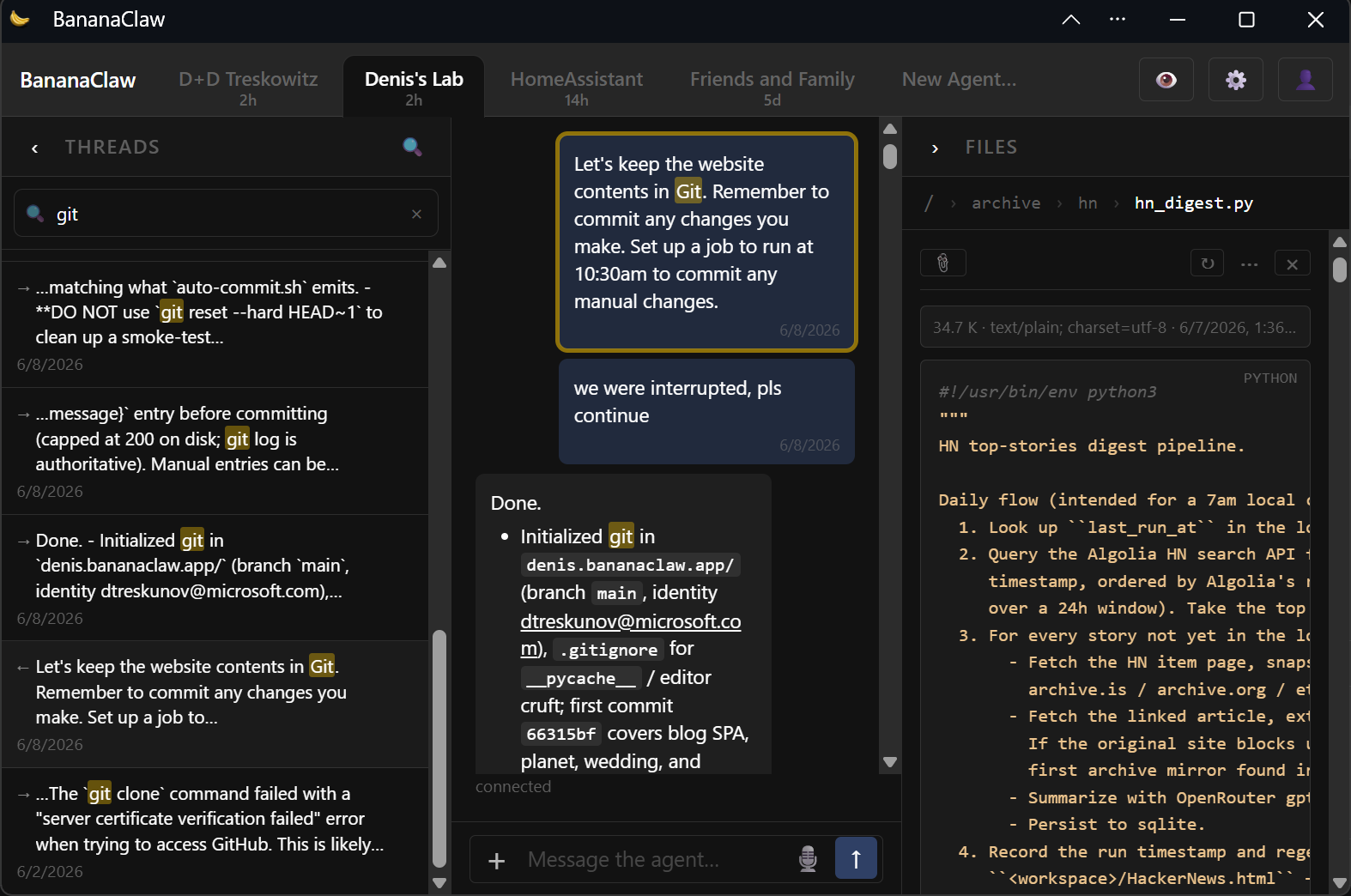
On a phone it stays simple and focused. On a laptop it opens up — your conversations, the chat, and your files all side by side, with quick search to jump straight to anything you've talked about.
An AI assistant with access to your files, email, and accounts has to be trustworthy. Every design choice here starts with that constraint.
The entire codebase is intentionally tiny. No sprawling framework, no opaque dependencies — you can read and audit every line that touches your data.
Each conversation gets its own isolated container. If the agent misbehaves, the blast radius is one throwaway sandbox — not your system.
API keys and tokens live in a vault on the host. They're injected into requests at the last moment by a proxy — the agent code never sees or stores them.
No cloud service, no third-party backend. Your conversations, files, and credentials stay on hardware you control.
Your assistant isn't stuck in one app. Write to it by email, talk to it through your smart home, or reach it from the apps you already use.
Give your assistant its own email address. Write to it like you'd write to a person, and its reply lands right in your inbox — attachments and all.
Connect it to Home Assistant and talk to it through your voice assistant, dashboard, or everyday automations.
Wire it up to your favorite messaging apps so you can reach it without opening anything new.
Sign in with Google or a one-tap link. Everything runs on your own server, so your conversations and files stay yours.
BananaClaw is built on top of NanoClaw by Gavriel Cohen and the NanoClaw contributors. The agent runtime — host router, two-DB session protocol, per-session container model, Claude Agent SDK integration, skills-as-branches, OneCLI credential isolation — is upstream's, line-for-line. None of this would exist without that foundation.
If you want the minimal, audit-it-yourself runtime, run upstream NanoClaw. If you want to use it from your phone the way you'd use a normal app, run BananaClaw. Both are MIT, and the BananaClaw additions live as a tidy set of extra modules so upstream merges keep landing cleanly.
Banana — as in "to go bananas."
Claw — the lineage: Claude → OpenClaw → NanoClaw → BananaClaw.